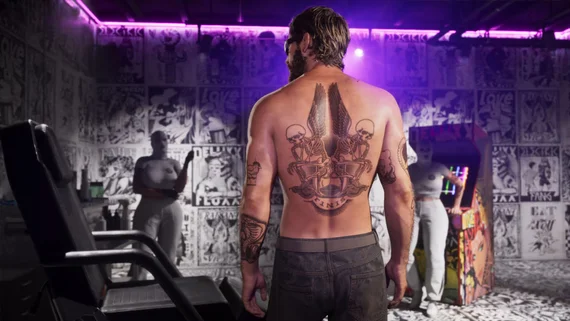
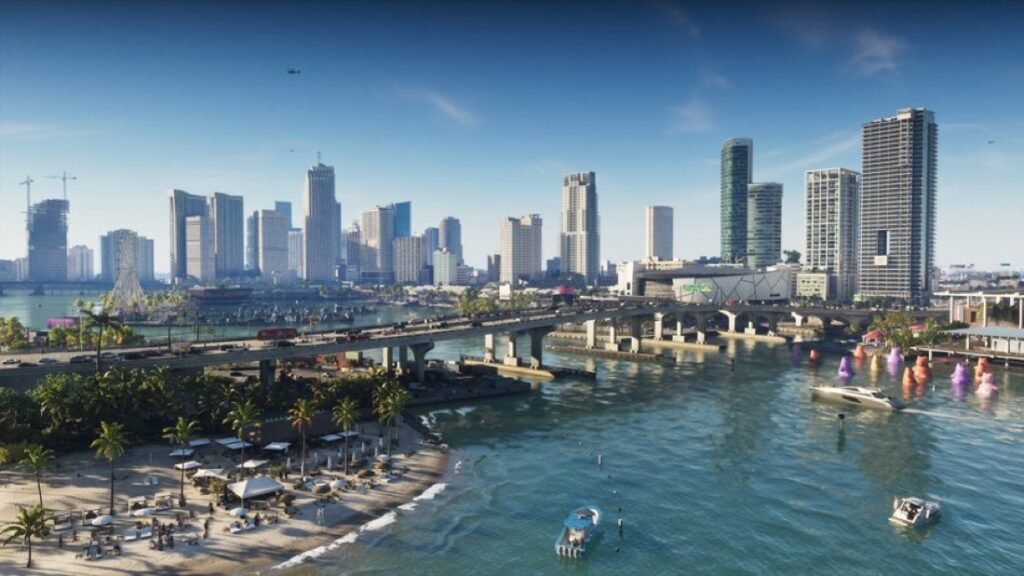
GTA VI launches on November 19. It is the biggest game of this console generation and it will push your machine hard. Long sessions in a dense open world mean heat, fan noise and heavy storage use. A dirty or badly placed console can overheat or shut down in the middle of a session. The good news is that getting ready is simple, free and takes less than an hour. This guide covers PS5, PS5 Pro and Xbox Series X|S.
Free Up Space Before the Pre-Load Starts
Rockstar has confirmed the download needs up to 212 GB. GTA VI pre-load starts on November 10, so check your free space today. Delete games you no longer play or move them to an external drive. Leave some extra room on top of the 212 GB. Launch updates need space too.
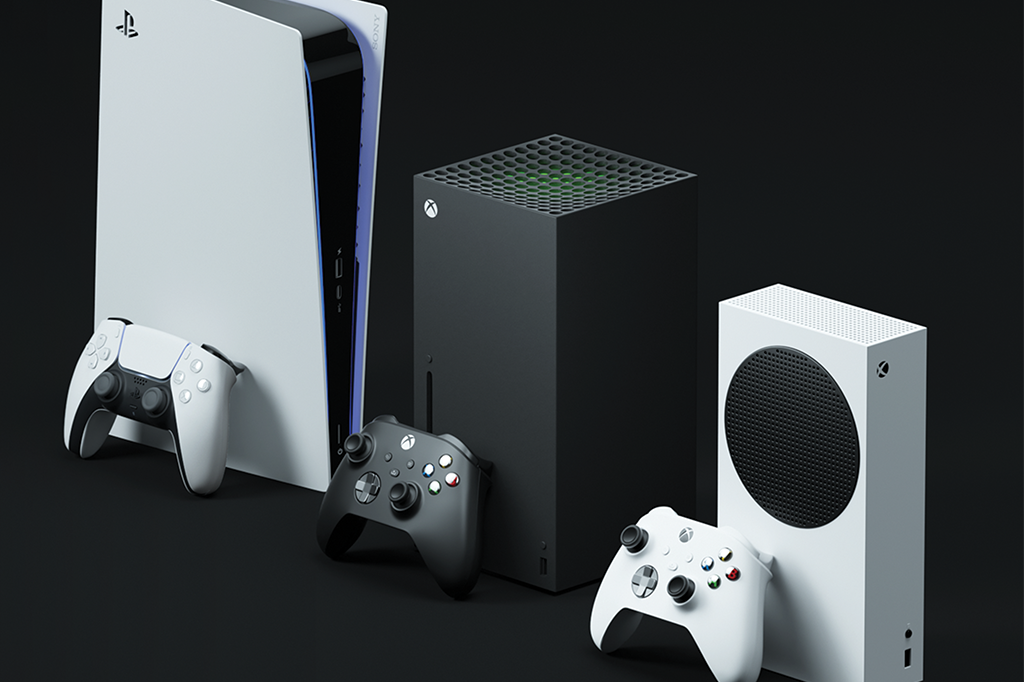
Give Your Console Room to Breathe
Consoles pull in cool air and push out hot air. Block that flow and the fans work harder and louder. Follow these placement rules:
- Keep at least 10 cm of clear space around the vents.
- Do not run the console inside a closed TV cabinet.
- Keep it off thick carpet. A hard and flat surface is best.
- Keep it away from radiators and direct sunlight.
- Make sure cables and other objects do not cover the vents.
- If your console stands upright, fit the stand properly and keep it stable.
Clean the Dust Out, the Safe Way
Dust builds up around the vents and slowly blocks the airflow. Clean it out like this:
- Switch the console fully off and unplug it. Let it cool down first.
- Wipe the dust around the vents with a soft dry brush or a cloth.
- On PS5 and PS5 Pro the outer covers come off by hand. Under the covers sit dust catcher holes. Clear them out as Sony shows in its own guide.
- Clean the shelf or TV unit around the console too. Dust nearby ends up inside the machine. This matters even more in homes with pets.
- Never push objects deep into the vents, and never blast strong compressed air inside the console.
Update and Test Before Launch Day
Update your system software now and not on launch night. Then play a demanding game for an hour or two. GTA V is a perfect test. Listen to the fan and watch for heat warnings or sudden shutdowns. A problem found this week can still be fixed before November 19. Charge your controllers while you are at it.
What You Should Not Open Yourself
The PS5 and PS5 Pro use liquid metal to cool the main chip. Liquid metal conducts electricity, so one spill during a home repair can damage the console badly. Do not take the cooling system apart. Xbox consoles use normal thermal paste. It does not need changing on a healthy console, and changing it means a full teardown. Opening your console can also hurt your warranty. If your console runs fine, the inside needs nothing.
Signs Your Console Needs a Repair Shop
- The screen shows overheating warnings.
- The console shuts down during demanding games.
- The fan makes grinding or rattling sounds.
- It still overheats after cleaning and better placement.
If you see these signs, book the repair now, before launch week. Check your warranty first. Sony or Microsoft support is the safest first call.
Your GTA VI Console Checklist
- At least 212 GB of free space ready
- Console in the open with clear vents
- Dust cleaned from the vents and covers
- System software fully updated
- One long test session done with no warnings
- Controllers charged and ready
Do this prep once and launch day becomes only about the game. For every key date and detail, see our GTA VI hub.